
Create a work shift
Any planning needs its elements perfectly created in order to succeed. Learn quickly how to create a work shift to design schedules that help your business and your team.
- Log in to haddock HR with your username and password
- Click on "Shifts" in the left-hand menu
- Click the purple + in the upper-right corner

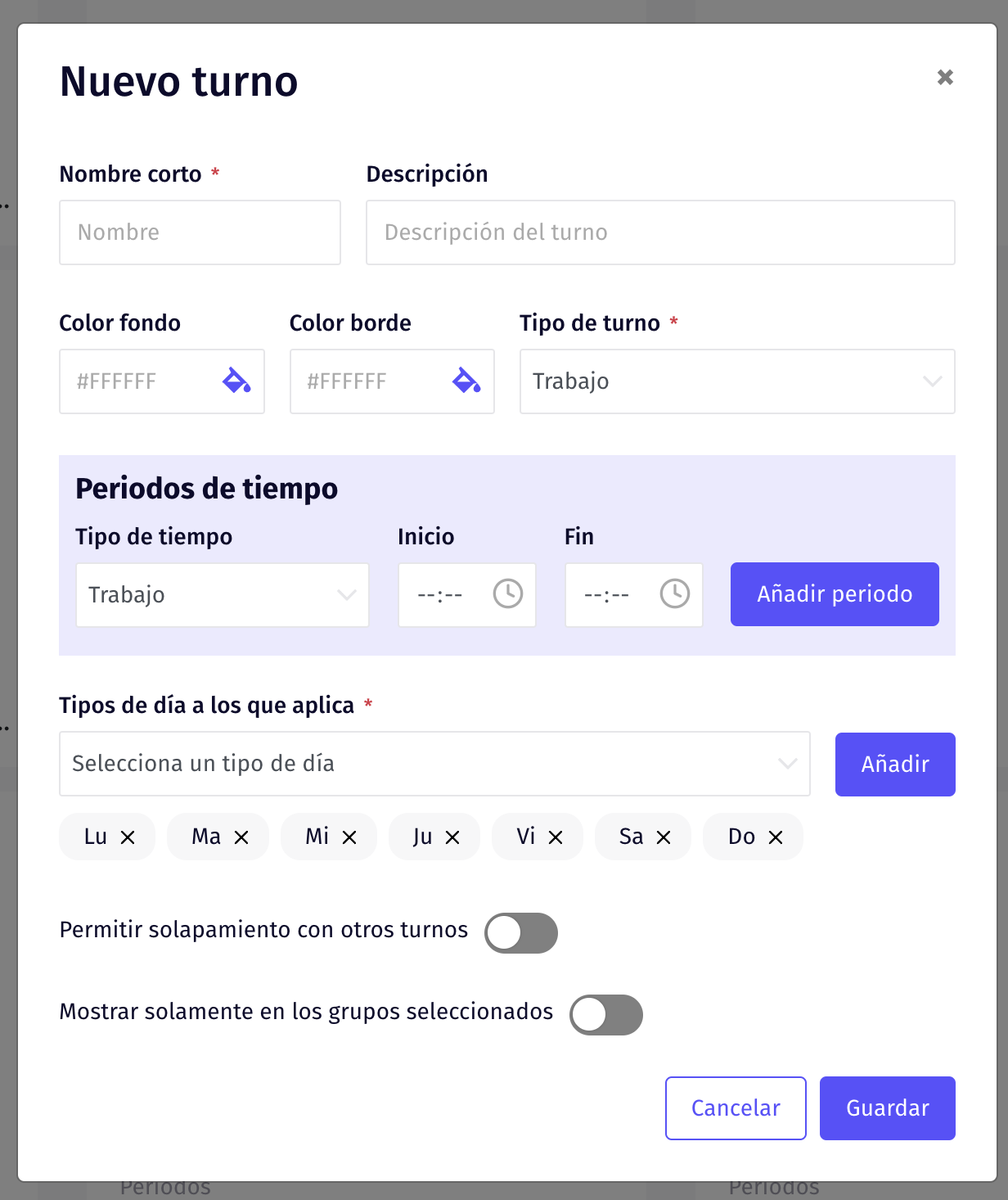
- Fill in all the data required in the pop-up window that opens next
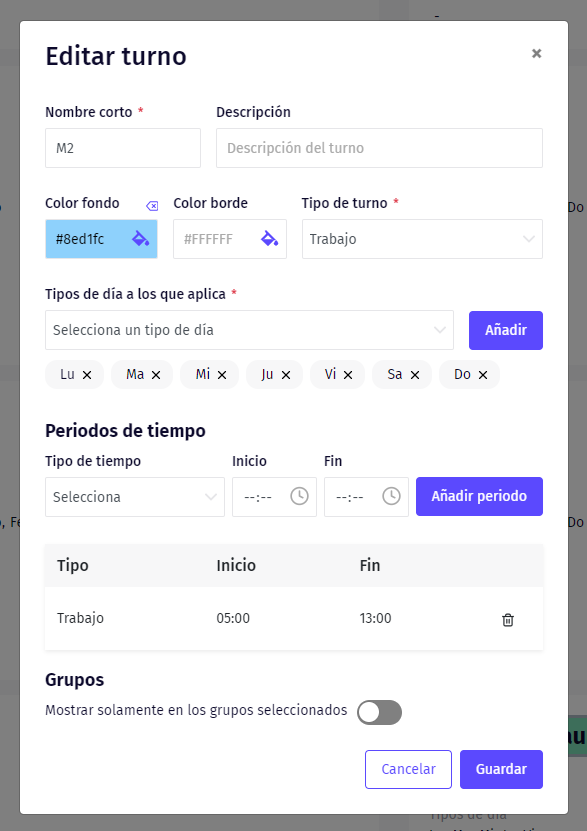
*If you need to edit an existing shift, click on it and adjust the necessary information
Updated on: 26/08/2026
Thank you!