
Request shift preferences from my supervisor
When you need to adjust your availability, you can request shift preferences directly from the platform.
You have two ways to do it:
- From My Calendar, by clicking “Request shift preference” (top right).
- From Planning > My shift preferences, where you will find the same option.

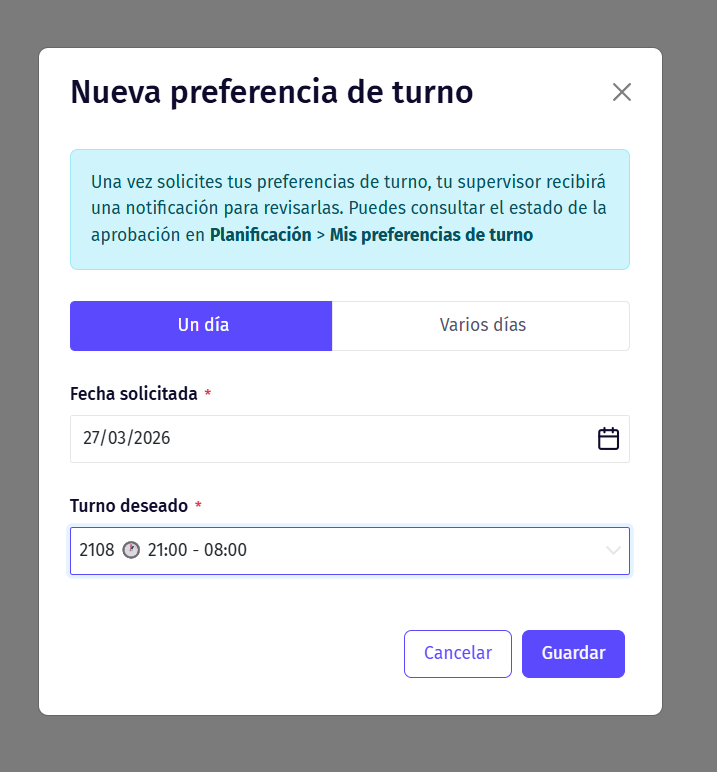
Once inside, a form will open where you can select one or more days and choose the shift you prefer.
When you send the request, your manager receives a notification and can review it from Planning > Approve preferences.
From that moment on, you will be able to track the status of your request in the same preferences section.
Updated on: 26/08/2026
Thank you!